Mailchimp has been one of the most widely recognized email marketing platforms for more than a decade, helping businesses stay connected with their audiences through newsletters, automated sequences, and data‑powered campaigns. But as we enter 2026, the way Mailchimp prices its service has shifted compared to years past. Today Mailchimp’s pricing reflects not only the features you get but also how deeply your contact list and sending habits influence your actual costs. In this comprehensive guide, we’ll break down Mailchimp Pricing 2026 in a simple, human‑friendly language so that regardless of whether you’re a beginner, small business owner, or seasoned marketer, you can make the best decision for your budget and needs.
The key thing to understand is that Mailchimp’s pricing is structured around four main plans Free, Essentials, Standard, and Premium and each plan comes with different limits on contacts, email sends, automation features, and support. In 2026, the platform has continued to evolve with changes to its free tier and more advanced tools hidden behind higher tier subscriptions. This means that while it remains a powerful platform, budgeting properly and understanding how charges may grow over time has become more important than ever. If you’re ready to finally understand Mailchimp pricing without confusion or jargon, you’re in the right place. Let’s dive in.
Mailchimp Pricing & Plans 2026
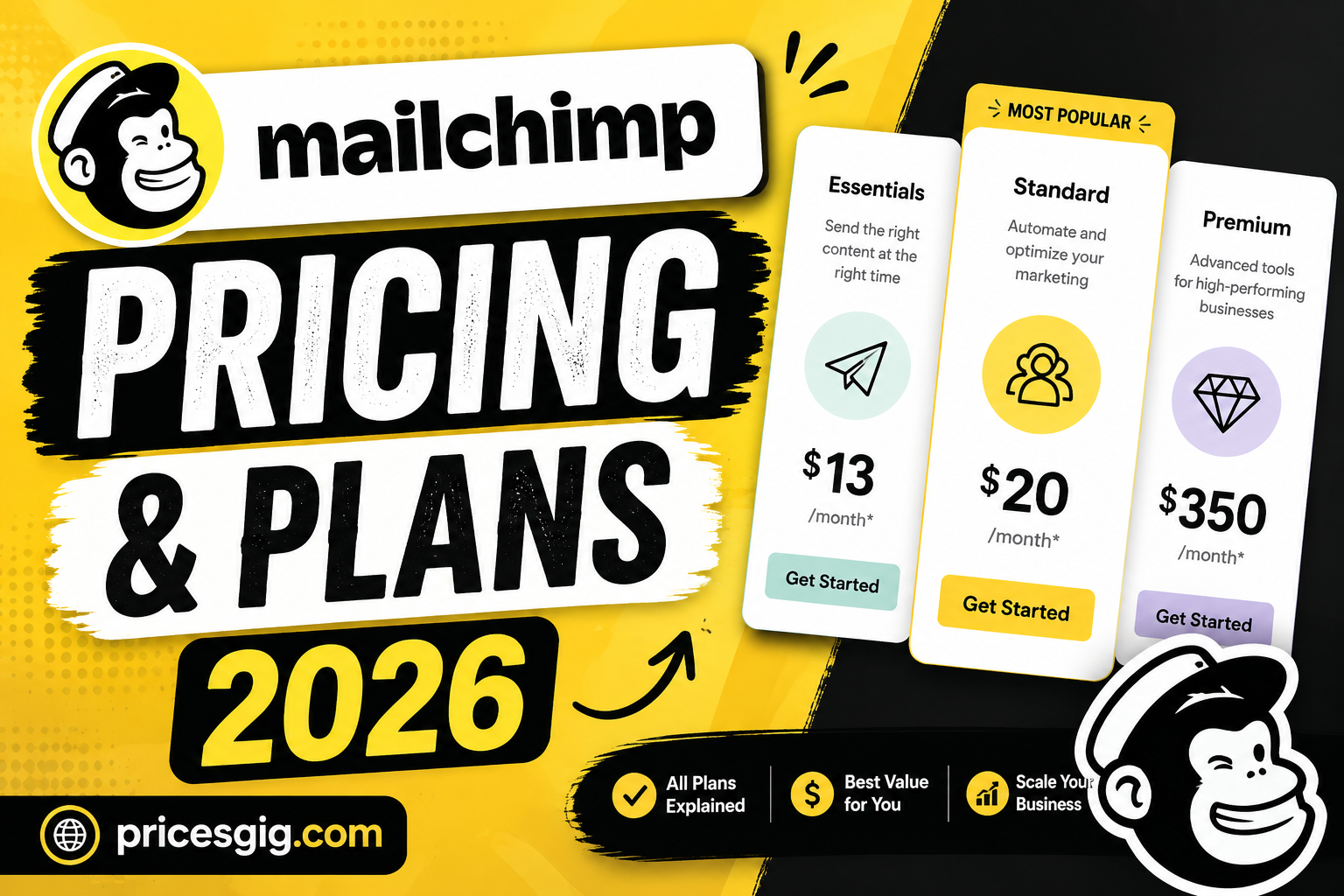
Here’s a simple breakdown of how Mailchimp’s main pricing plans stack up in 2026 when billed monthly. Listed prices are starting rates for the lowest contact tiers. Actual costs may rise based on your contact count and additional features required.
| Plan | Starting Monthly Price | Best For |
|---|---|---|
| Free | $0 | Beginners, very small lists |
| Essentials | $13 | Small businesses & growing lists |
| Standard | $20 | Most small to medium businesses |
| Premium | $350 | Large teams, heavy senders |
Pricing Details
- Free plan: Always $0, but limited to a small number of contacts and basic sending features.
- Essentials plan: Starts at about $13/month and includes core email tools and support.
- Standard plan: Begins at approximately $20/month with advanced automation and personalization features.
- Premium plan: From around $350/month with unlimited contacts and priority support.
Key Insights for Mailchimp Pricing Plans 2026
Understanding the raw price is only part of the picture the real value lies in what you get, and how your costs scale as your needs grow. Let’s explore these insights in plain language.
1. Prices Scale with Contact Count
Mailchimp doesn’t just charge a flat fee, the number of contacts you have in your database directly affects what you’ll pay. For example, 500 contacts may cost only the base price, but a list of 10,000 or more can push you far above the starting rate.
2. Free Plan Has Shrunk Significantly
Recent updates have tightened the free tier. In 2026, it supports only up to about 250–500 contacts and limits total monthly sends, without advanced automation or removal of brand logos. For many regular newsletters, this may not be enough.
3. Automation and AI Tools Start in Paid Plans
Features like multistep automation, behavioral targeting, dynamic content, and AI‑powered insights are generally unavailable on free plans and begin at the Standard tier or higher.
4. Support Levels Differ by Plan
- Free: basic knowledge base and help articles
- Essentials / Standard: email and chat support
- Premium: priority and phone support for complex campaigns
5. Add‑Ons and Hidden Costs
Some valuable extras like transactional emails, SMS marketing add‑ons, and premium templates, might cost extra. Mailchimp can also charge overage fees if you exceed contact or sending limits.
How to Get Mailchimp at the Best Pricing in 2026
Here are practical steps to make sure you buy Mailchimp in the smartest, most cost‑efficient way:
- Start with a clear contact goal : organize and clean your list so you’re only paying for active contacts.
- Choose annual billing : many users save around 15‑20% compared to monthly billing.
- Use free trials before committing to understand if the plan fits your needs.
- Apply nonprofit discounts if eligible : verified nonprofit organizations may receive lower pricing on some plans.
- Negotiate with a sales rep for larger teams or custom requirements, especially if your list size is large.
How to Choose the Perfect Mailchimp Subscription Plan
Selecting the right plan can be overwhelming, but it helps to ask yourself a few simple questions:
- How many contacts do you currently have?
- Do you need automation features or only basic newsletters?
- Do you plan to send SMS or transactional emails?
- Is round‑the‑clock support important for your business?
- Do you want advanced analytics and customization?
Plan Match‑Up Tip:
- If you’re just starting and have a tiny list, Free might be enough.
- Want A/B testing and scheduling? Essentials is great.
- Looking for automation and optimization? Standard wins.
- Running multiple teams or large campaigns? Premium is worth the cost.
20 Working Mailchimp Discount Codes List for 2026
(Note: Always verify code validity at checkout : discounts may expire.)
- MAILCHIMP15
- FIRSTMONTHFREE
- SAVE20NOW
- CHIMP2026
- MCNEWUSER
- ANNUAL15OFF
- NONPROFIT15
- STARTUP10
- SMALLBIZ20
- EMAILBOOST25
- MCHPLOYAL
- SAVEBIG35
- NEWSLETTER10
- MARKETING2026
- CONTACTSAVINGS
- ESSENTIALS20
- STANDARD25
- PREMIUM30
- GROWTH15
- MAILBOOST2026
How to Save Money with Mailchimp Plans in 2026
Whether you are on a tight budget or just love saving, here are smart ways to keep your Mailchimp costs under control:
- Clean up your contact list regularly : don’t pay for unsubscribed or inactive emails.
- Select annual over monthly billing to benefit from lower effective rates.
- Take advantage of seasonal deals and promo codes during Black Friday, New Year, etc.
- Use smaller plan where possible : many businesses don’t need Premium features yet.
- Use native features instead of third‑party add‑ons to reduce extra costs.
Mailchimp Pricing and Discount Policy 2026
Mailchimp’s pricing and discount policies in 2026 reflect its goal to remain competitive and flexible. Discounts are typically offered through annual commitments, nonprofit verification, promotional codes, or seasonal sales cycles. It’s important to understand that discounts often apply only to the base subscription price and not add‑ons or overages.
Also, Mailchimp’s policy counts all contacts in your account : including inactive, unsubscribed, or duplicate emails : toward your billing tier. This makes efficient list management crucial if you want to keep pricing in check.
Conclusion
When I first started using email marketing in my early business days, Mailchimp felt like a friendly, free tool for newsletters. But over time as I grew, I witnessed the pricing shift in meaningful ways. Today Mailchimp is still a robust platform with powerful features, but you no longer get all that value without paying for it. Over the years, I’ve learned that understanding how your pricing scales : especially around your contact list : makes all the difference between predictable bills and surprise costs.
In 2026, Mailchimp offers clear value if you need automation, AI features, and detailed campaign insights. But it’s just as critical to plan your usage, clean your lists, and choose the plan that aligns with your real needs rather than the one you think sounds best. Once you do that, you’ll be amazed at how much more in control you feel over the whole email marketing experience.
FAQs
What is Mailchimp Pricing Today in 2026?
Mailchimp pricing today in 2026 includes four main plans: Free ($0), Essentials (~$13/month), Standard (~$20/month), and Premium (~$350/month), with prices increasing based on your total contacts and added features.
Can I Use Mailchimp for Free in 2026?
Yes, Mailchimp still offers a free tier in 2026, but it has tighter limits compared to past years : supporting up to about 250–500 contacts and limited monthly sends without automation tools.
How Do I Save the Most Money on Mailchimp Pricing?
To save money, consider annual billing, clean your contact list, use discount codes, and choose only the features you truly need : cutting extras you don’t use.